Jio Bharat K1 4G KW102 Stock ROM
Jio Bharat B2 4G JBB121B1 Flash File (Stock ROM)
Download Jio Bharat B1 JBB021B1 4G Flash File:
- Jio_Bharat_B2_4G_JBB121B1_000_04_18_060525_Flash_File_RMM
- Membership Required
- Flashing Tool: Download | Mirror
- Driver
How to Flash Jio Bharat B2 4G JBB121B1:
- Download and unzip File and Flashing tool.
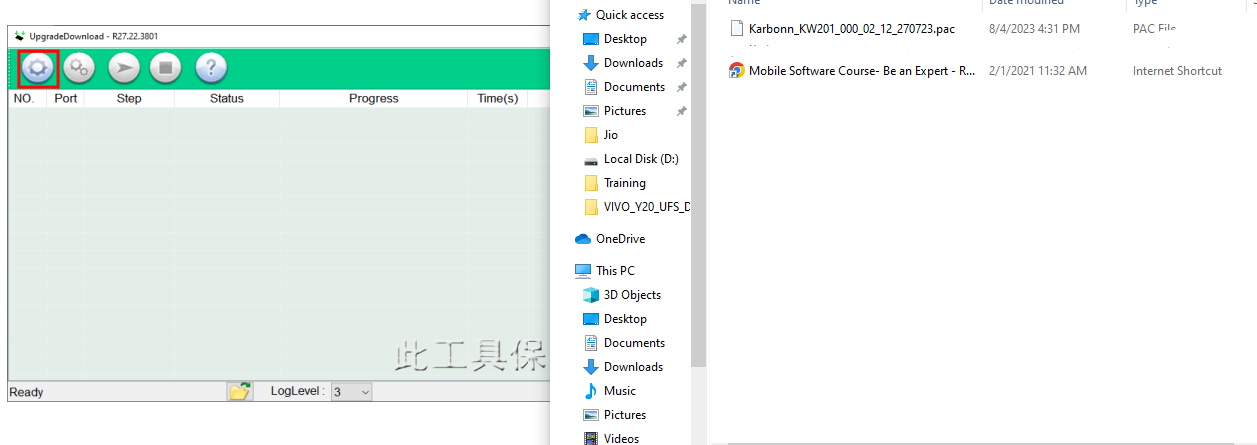
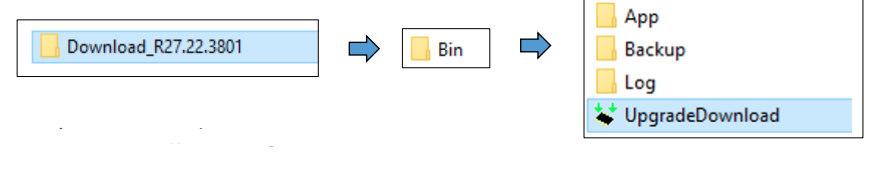
- Open Software Download Tool and load the packet (.pac) file from flash file.

- Select packet file from flash file

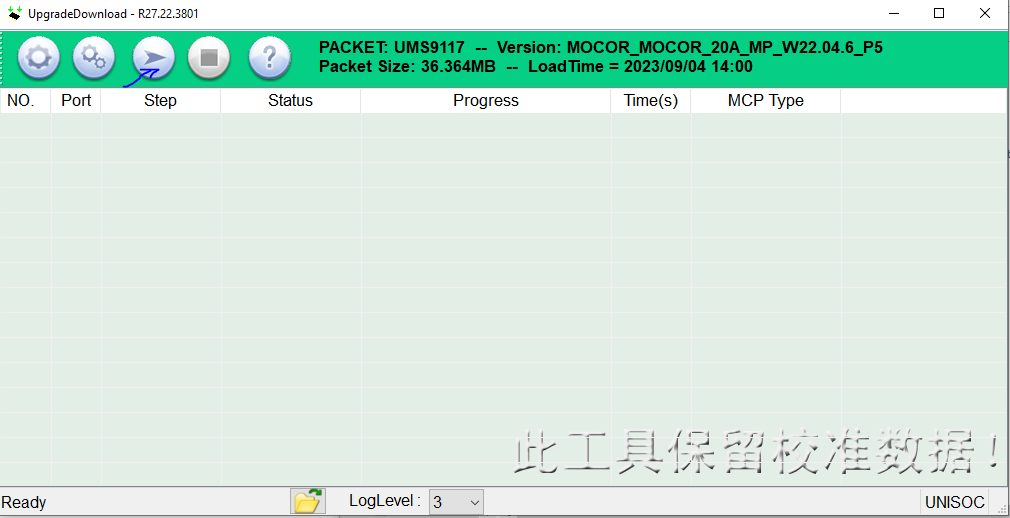
- When packet file succesfully load on the tool, then click Start downloading button on tool.

- Now switched off your phone and press * key then connect usb cable to the phone and PC.
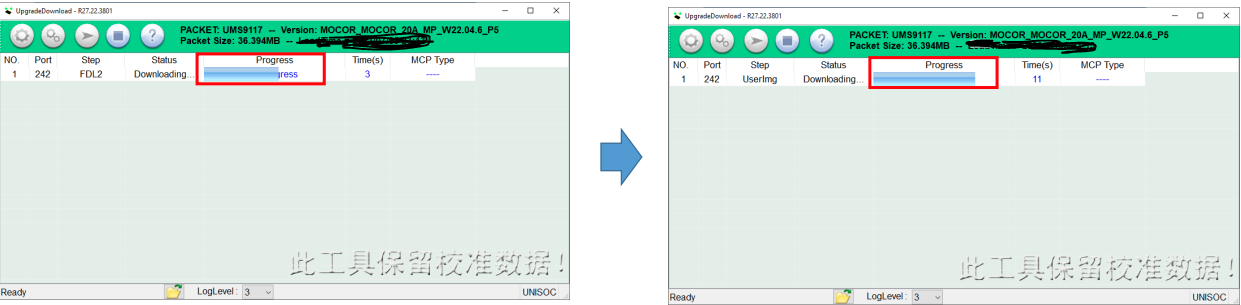
- On Succcessful connection the tool will show “Progress“.

- The tool will show progress during the software upgrade process.
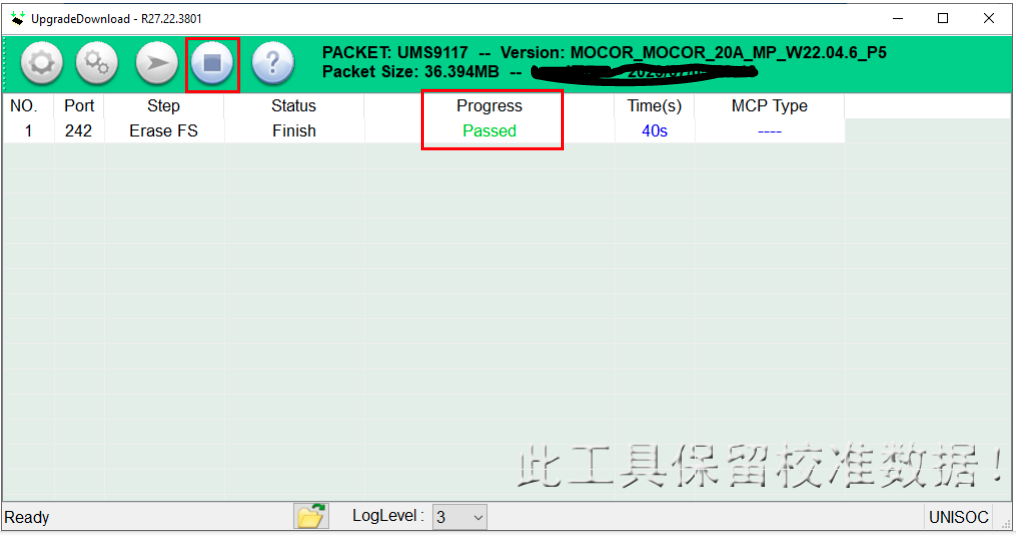
- On Successfull completion of the software upgarde, Passed message will be displayed in the tool.
- Click on stop downloading icon and disconnect the phone.

Jio Bharat B2 4G JBB121B1 Stock ROM
Jio Bharat A1 4G KW301 Flash File (Stock ROM)
Download Jio Bharat A1 4G KW301 Flash File:
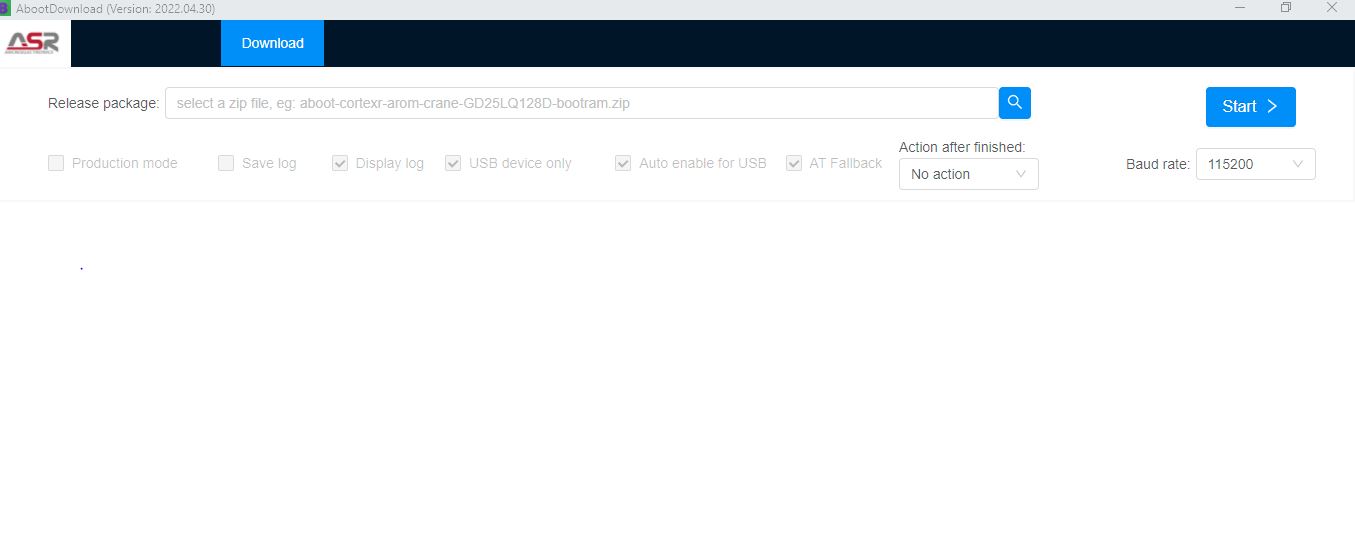
- Jio_Bharat_A1_4G_KW301_Karbonn_KW301_000_02_30_070325_Flash_File_RMM
Membership Required - ASR Flashing Tool: Download | Mirror (Tool Password Protected: 199 rs )
- Driver
How to Flash Jio Bharat A1 4G KW301:
- Download and unzip ASR CPU Flashing tool.
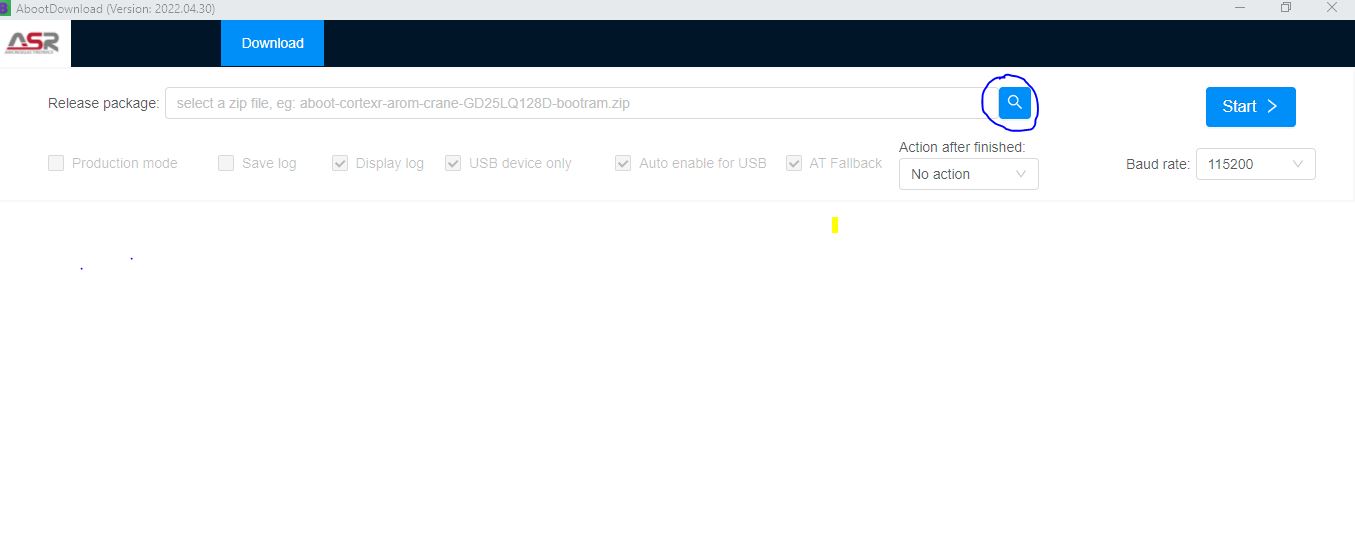
- Open ASR CPU flashing tool folder and run the “ aboot application “ to load the flash file.

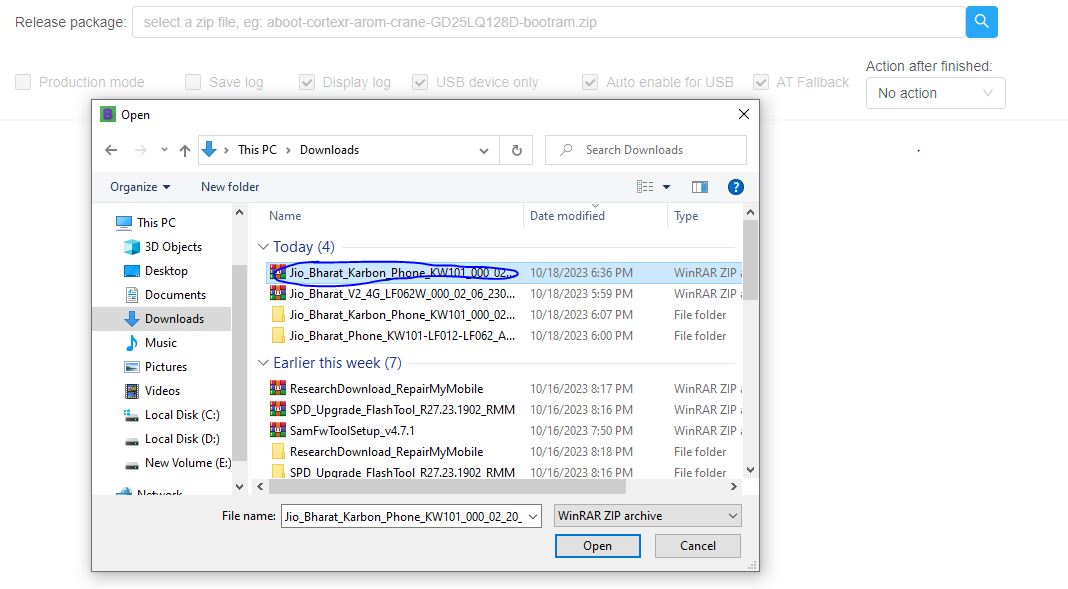
- Now Select release package search tab and select the ” ZIP flash file “.


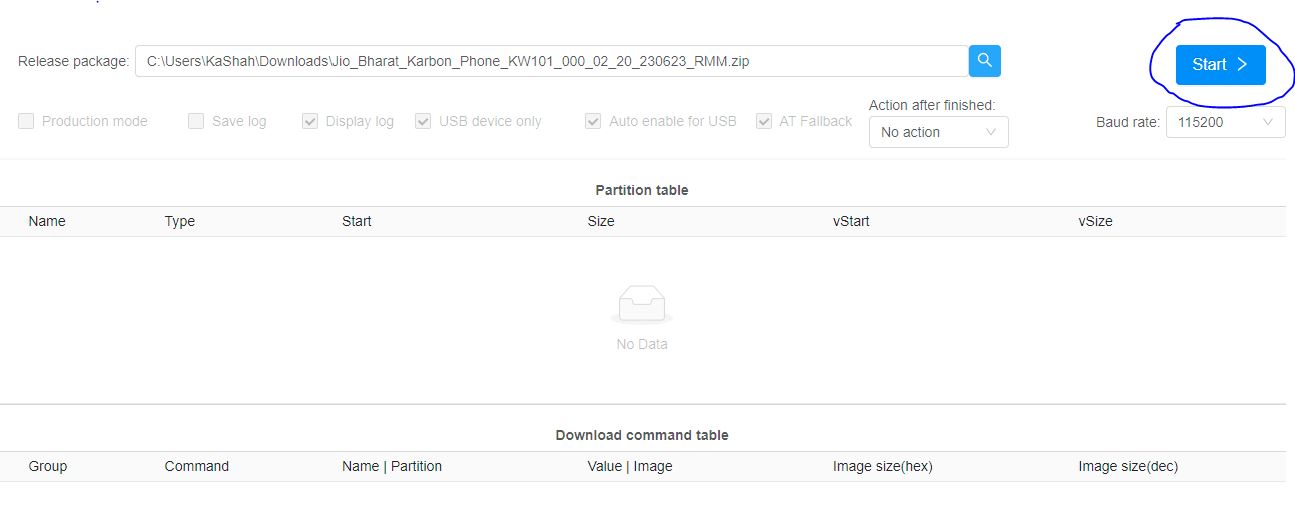
- When packet file successfully load on the tool, then click Start downloading button on tool.

- Now switched off your phone and press * key then connect usb cable to the phone and PC.
- On Successful connection the tool will show “Progress“.
- The tool will show progress during the software upgrade process.
- On Successful completion of the software upgrade, Passed message will be displayed in the tool.
- Click on stop downloading icon and disconnect the phone.