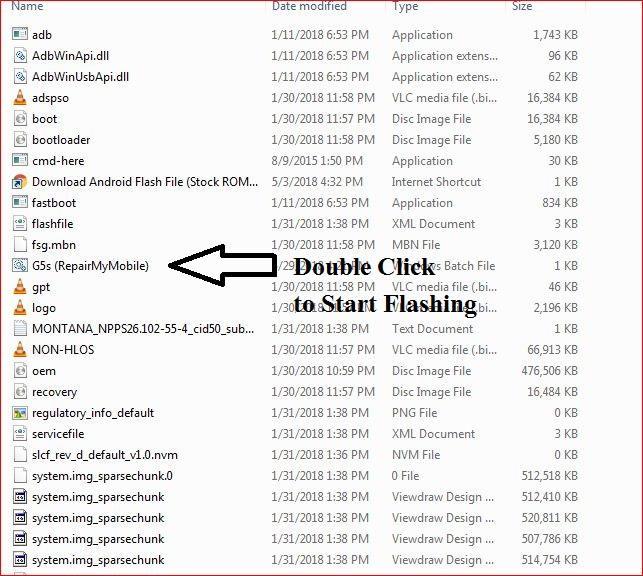
Download Vivo Y28 PD1403w Flash File:
How to Flash Vivo Y28 PD1403w:
Install MTK Driver.
1- Download the package & Extract SP Flash tool.
2- Out of the icon appearing, Double click on Flash_tool.exe
3- it will launch the tool on your PC, Click on Scatter-Loading appearing on the Right side of the tool.
4- Now, assign the firmware which will be in form “Android_scatter.txt”.
5- Click on Download to start flashing.
6- Switch off your Mobile and Connect it to PC by pressing Volume down & Volume up keys if it fails then connect without pressing any key in off mode.
7- It will lead you to Successful Flashing
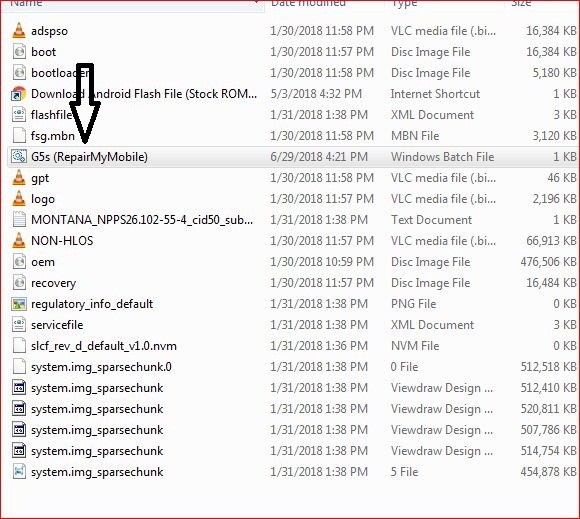 2- Install Moto Adb Tool.
 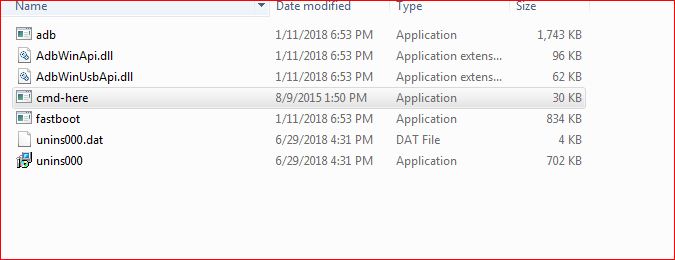 3- Now, Cut the file From Firmware Folder & Place it in Moto ADB Tool.
 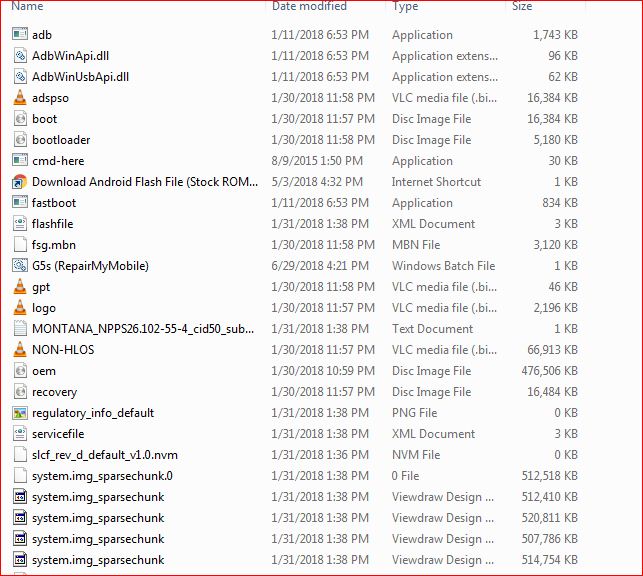 4- Switch off Phone & Hold Power + Volume Down. Then, connect phone to PC using USB cable, it will make Android Port in device manager.
  5- Now, Double Click on Moto XT1921-2 RepairMyMobile bat file to start flashing.