

Basic to Chip level Android Training: telugu
Basic to Chip level Android Training: kannada
Samsung A50 Flash File (STOCK ROM)
Download Samsung SM-A50 Flash File and use Odin tool to flash:
How to Flash Samsung SM-A50:
Make sure your device is atleast 30 percent charged to perform flashing.
- Install Samsung kies to make connectivity between Phone & Odin flash tool.
- Switch off the mobile.
- Press the Power + volume down + home button.
- Android symbol will appear, now press volume up to enter into the download mode.
- Unzip the Samsung SM-A50.
- Now open the Odin flash tool.
- Select flash file in PDA or AP.
- After selection mobile will get detected automatically and will display a message Added.
- Now click start on system & installation is in process.
- After installation mobile restart of its own.
Vivo V17 Pro PD1931F Flash File (Stock ROM)
Download Vivo V17 Pro PD1931F Flash File:
- PD1931F_EX_A_9.2.25_vivo_20210903183124_qcom_Flash_File_RMM
- PD1931F_EX_A_8.73.0
- PD1931F_EX_A_8.72.20
- PD1931F_EX_A_8.8.19
- PD1931F_EX_A_1.11.8
- PD1931F_EX_A_1.11.16
- QPST tool.
- AF Tool
How to Flash Vivo V15 Pro PD1832F:
1- Download Vivo V17 Pro PD1931F Flash File
2- Download QPST tool.
3- Install Qualcomm driver.
4- Run QPST tool.
5- Add new port (Check device manager), Short test point then connect.
6- Click Load XML and browse for rawprogram_unsparse.xml in Stock ROM file.
7- Click Load Patch and browse for patch0.xml in Stock ROM file folder.
8- Select the firmware by clicking in Browser of Search Path.
9- Select Download and wait for the flashing to finish.
Oppo F17 Pro CPH2119PU Flash File ( STOCK ROM )
Download Oppo F17 Pro CPH2119PU Flash File:
- CPH2119_11_F.44_20221129
- CPH2119_11_F.41_20220620
- CPH2119_11_F.05_20220331
- CPH2119PU_11_A.25_201013
- CPH2119PU_11_A.19_200929
- Oppo MTK Driver
Boot Key: Volume UP + Down
Note: Flash Tool requires Login credential.
How to Flash Oppo F17 Pro CPH2119PU:
Download Oppo F17 Pro CPH2119PU Flash File
1- Download the Firmware package & run Flash tool.
2- Out of the icon appearing, Double click on MSM Download Tool.
3- it will launch the tool on your PC, Click on Start All.
4- Then it will verify for PC Memory Checksum.
5- Switch off your Mobile and Connect it to PC by pressing Volume down and Volume up key.
6- It will lead you to Successful Flashing.
Join Basic to Chip level ऑनलाइन ट्रेनिंग
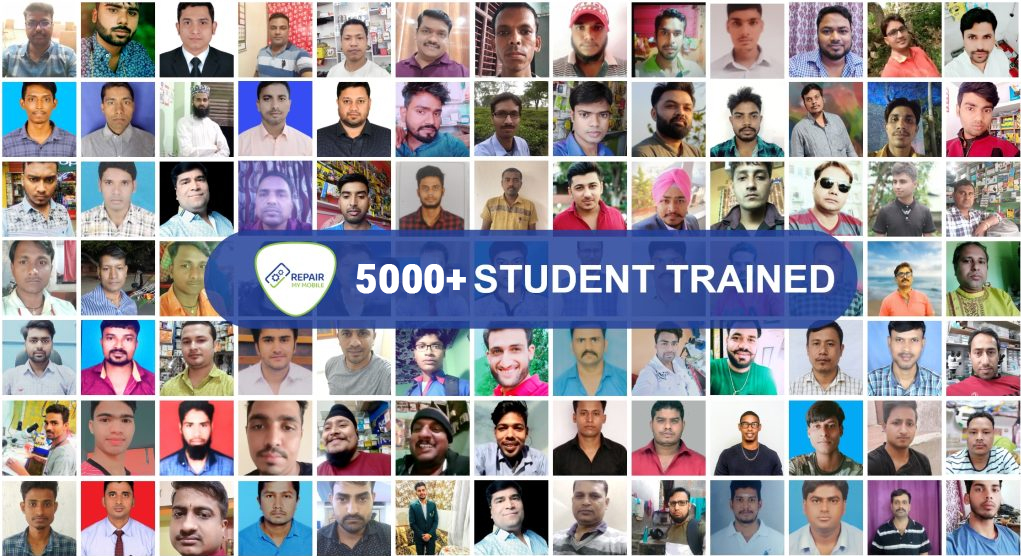
- 5000+ प्रशिक्षित छात्र
- 8 विशेषज्ञ प्रशिक्षक
- लाइफटाइम ट्रेनिंग वीडियो के रिकॉर्डिंग
L1 to L3 Training: Rs. 14,990.
Full Video:
Syllabus:
L1 Software Android Training:
- Software: लैपटॉप में सभी मोबाइल Drivers के Installation, सभी Flash tool का उपयोग, Flash tool में आए समस्याओं का निवारण, Flash File: कैसे सही File चुने, मोबाइल को कैसे Connect करे for Flashing & Unlocking, UMT Dongle, MRT Dongle, Miracle Thunder, Box में आए समस्याओं का Solution.
L2 Advance Level Android Training:
- UFI & JTag: सभी मॉडल और ब्रांड अकाउंट अनलॉक, एफआरपी, फ्लैश, डेटा रिकवरी (Oppo, Vivo, Reliance, Samsung), EMMC पहचान, BGA पहचान, Lock Read EMMC कंडीशन, स्वास्थ्य और अन्य Tab जानकारी, EMMC परिवर्तन Method, Firmware अपडेट Method, EMMC स्वास्थ्य, Bad Sector, 90% समस्या की मरम्मत, Repairable और non-repairable योग्य IC की पहचान करें, Dump पढ़ें, लिखें और बनाएं, Partition Important, कैसे पहचानें कि मेरा CPU सही है और EMMC ठीक नहीं है, EMMC RPMB क्लीन मेथड.
- Basic Hardware: Multimeter का उपयोग कैसे करें, सभी Hardware कॉम्पोनेन्ट का detail, सभी IC और सेक्शन, प्रत्येक IC का कार्य, Charging और Network, Mic और Speaker.
- Advanced Hardware: PM और PMI IC वर्क, CPU और EMMC को ठीक करें, रीबॉलिंग, टूटी हुई Balls फिक्स, काला या सफेद Pasted IC, Schematic Reading, Fault निकालना, DC पावर सप्लाई और Short Killer का उपयोग कैसे करें.
L3 Super Advance Level Android Training:
- UFS Training: UFS Unlocking, CPU Drill, Micro Jumper , UV Masking, EMMC Balls making, CPU Reball , Double Decker and Q & A Session.
हमारे Trainers:
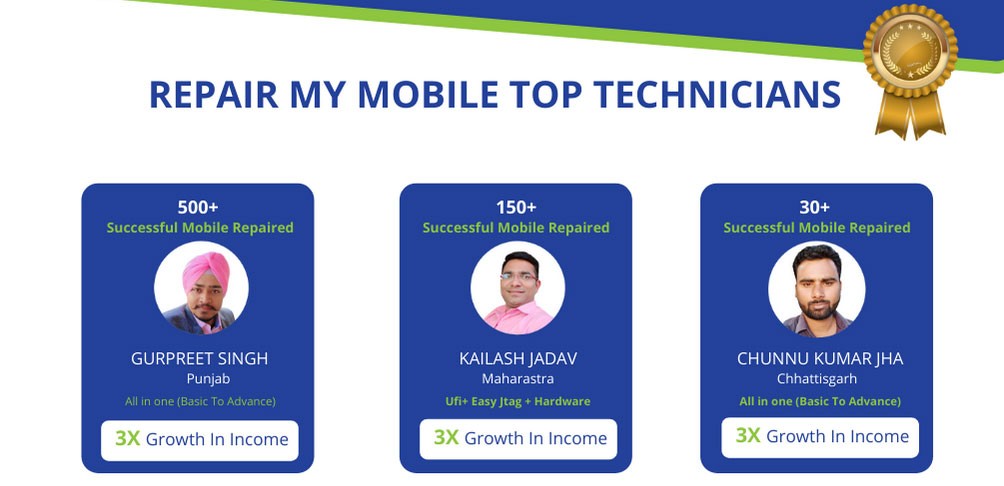
हमारे पास 15 से अधिक वर्षों के अनुभव वाले मोबाइल प्रशिक्षकों की एक टीम है और हमारे Online और Offline Training Centre के माध्यम से 5000 से अधिक छात्रों को प्रशिक्षित किया गया है।
हमारे छात्रों का हमारे प्रशिक्षण क़े बारे में क्या कहना है!!
प्रशिक्षित छात्रों क़े अनुभव:
[smartslider3 slider=”2″]
Top-performing students of the month:

RepairMyMobile Journey:

Join Training