
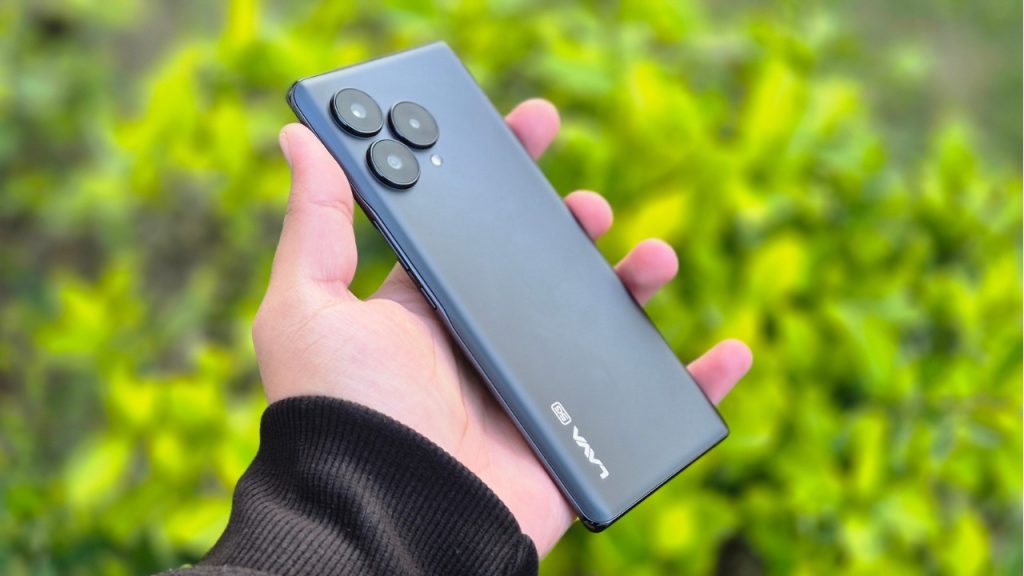
If you are using a Lava smartphone for a long period of time. Things which are quite obvious are phones getting hanged and performance starts to degrade.
Possible Reasons:
Running too many apps at the same time: We use many Apps on the phone in one go. After switching to another App, earlier Apps run in the background. As a result, much of the resources or RAM is being used and in turn it slows down the phone.
Leaving apps running in the background: Always make sure to close all apps running in the background. As, it gets stored and executed by RAM and if your phone has RAM of up to 4GB. Much of its resources are being used by OS & Opened Apps.
Internal Storage Full: Always try to have 20 percent of internal storage free. In today’s world, almost every lava smartphone user has messaging apps like WhatsApp and it stores media files. Over a period of time, it can account for most of the internal storage space resulting in slow performance and hanging.
Software Updates: it is recommended to install official updates for lava smartphones. As it improves performance, stability and security of the device. Ignoring software updates can lead to hanging, as new updates are bug free.
Using Phone during charging: can lead to heat up device & hang.
Malware or Virus: if you are downloading movies or cracked software from the internet. It usually leads to malware and viruses and can degrade the performance.
Hardware issue: can be repaired only by repairing or replacing the faulty parts. For example if you are not using the official charger to charge the phone. Then, over the period of time the battery will degrade and the charging port can be damaged.
Overheating: if a device is getting heated then it’s appropriate to not use the device as it will shut down on its own to protect its components.
Possible Solution:
Restart the Phone: A simple restart frees up ram as it kills all apps in the background. After getting started, all of the resources are free to use.
Internal Storage: make sure to keep 25% of internal storage free as it ensures smooth functioning of the phone.
Unused Apps: Uninstall unused apps. It will increase storage which is free to be used.
Disable Background Apps: Disabling or closing background apps free up resources. It ensures smooth functioning of the lava smartphones.
Update OS & Apps: if any official update are released for your device then make sure to install it as the new patch has been designed for stability, increasing performance & security of the device.
Factory Reset: is the process of restoring the phone to its original state. It deletes all of the data within the phone.
Check for Malware or Virus: It is always good to perform a scan of your lava phones using reputable Malware or virus scanner. One quick tip to identify malware, ads will popup of its own.
Flashing: is the ultimate solution to get rid of any software issue, malware and viruses from the device. It reinstall Android OS on the device and the device gets reset to its original state.
Clear cache: can free up space, improve performance and fix app problems. In order to clear the cache, you have to open the App from settings. Then, open the app and then clear the cache.
Leave a Reply
You must be logged in to post a comment.