
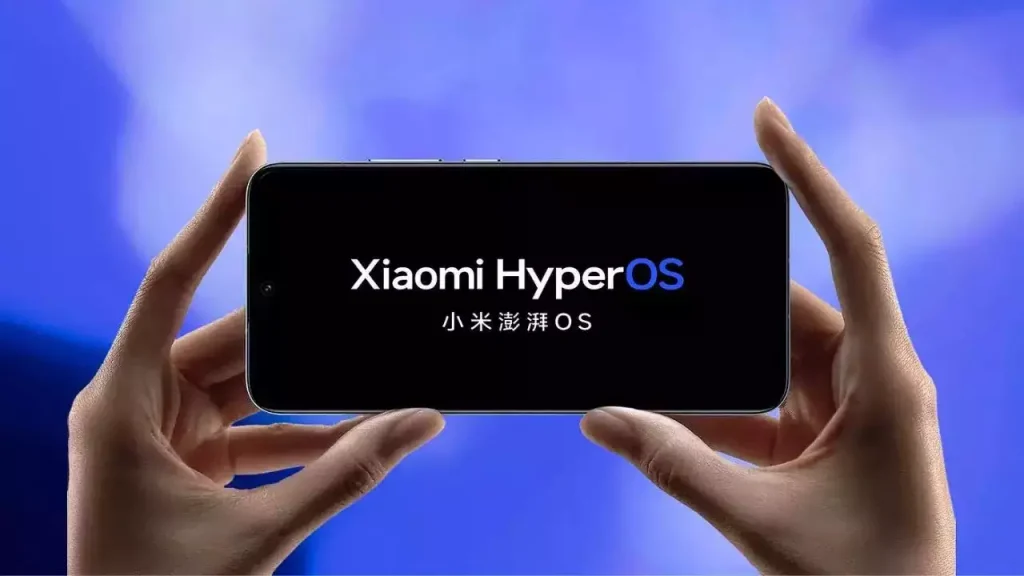
Xiaomi has released their new Miui skin called HyperOS. It offers a range of new features & functionality and is more advanced compared to its predecessor. Like any other operating system, it comes with preloaded apps and bloatware which can account for more occupied storage and in return can slow the performance of the device.
In this article, we will see steps to debloat and remove bloatware from HyperOS to increase the storage and improve the performance of the device.
What is Bloatware?
It refers to preinstalled apps that have been added to the OS by its manufacturer or carrier. Most of the apps are useful but some of them are rarely used. Removing unused or unnecessary apps from the device can free up storage, improve performance and battery life.
How to Identify Bloatware on Xiaomi HyperOS:
- Apps that duplicate functionality and are already provide by OS
- Apps that are rarely used
- Apps that display tons of ads
How to remove Bloatware from Xiaomi HyperOS:
Method 1: Uninstalling Apps
The easiest way to remove Bloatware is by uninstalling the apps directly from the device.
- Open Setting.
- Scroll down or search for Apps.
- Select the App you want to uninstall.
- Tap on uninstall or disable to remove it from the device.
- Follow the on-screen prompt to confirm the uninstallation.
Method 2: Using LADB Connect tool from playstore
- Download and install LADB tool.
- Enable developer option and then enable wireless debugging.
- Launch LDAP tool and note down the Port & pairing code displayed on the screen.
- Open Wireless Debugging menu and click on pair device. Use code copied from the previous step.
- Once Wireless debugging is connected. We have to use adb command to uninstall the system apps.
- ADB command is adb shell pm uninstall -k –user 0 <package_name>, (replace with the package name of the app you want to uninstall)
- In order to get package name, Open the app on playstore and share it https://play.google.com/store/apps/details?id=com.instagram.android&hl=en_IN&gl=US. Bold letter in the link is the package.
Method 3: Rooting your Xiaomi Device
Rooting any android phone provides full administrative access, it allows us to remove any of the system apps and bloatware that are otherwise inaccessible. However, rooting voids warranty and even cause OS crash.
If you are still looking to root your device, you can use popular rooting software like Magisk, SuperSU, and KingRoot.
Leave a Reply
You must be logged in to post a comment.