
• Skip to primary navigation
  • Skip to main content
  • Skip to primary sidebar
RMM logo 2
Get All Flash File
Menu
  • Home
  • Training
    • Offline Training
      • Kolkata
      • Kolhapur
      • Patna
    • L1: Basic Software & Hardware
    • L2: Advanced Software & Hardware
    • L3: Super Advanced UFS
    • iPhone Training
  • Solution
    • Flash File
    • Flash Tool
    • Driver
    • Combination
    • FRP
    • Root
    • Hard Reset
    • Hardware
  • Premium Flash File
    • Premium Flash File
    • Android Dump Files
  • Membership Account
  • Log In
  • Home
  • Training
    • Offline Training
      • Kolkata
      • Kolhapur
      • Patna
    • L1: Basic Software & Hardware
    • L2: Advanced Software & Hardware
    • L3: Super Advanced UFS
    • iPhone Training
  • Solution
    • Flash File
    • Flash Tool
    • Driver
    • Combination
    • FRP
    • Root
    • Hard Reset
    • Hardware
  • Premium Flash File
    • Premium Flash File
    • Android Dump Files
  • Membership Account
  • Log In
You are here: Home / How To / SAMSUNG NETWORK FAULT SOLUTION

SAMSUNG NETWORK FAULT SOLUTION

April 19, 2022 Leave a Comment

Reasons for SAMSUNG NETWORK FAULT SOLUTION –


WTR is the main network IC of Samsung Mobile. If any network related issues are coming in mobile. Then WTR IC is reposnsible for. Fixing or repairing and someting replacing the IC can solve the No Service or Network issue. The major cause which is responsbile for mobile signal issue are listed below.
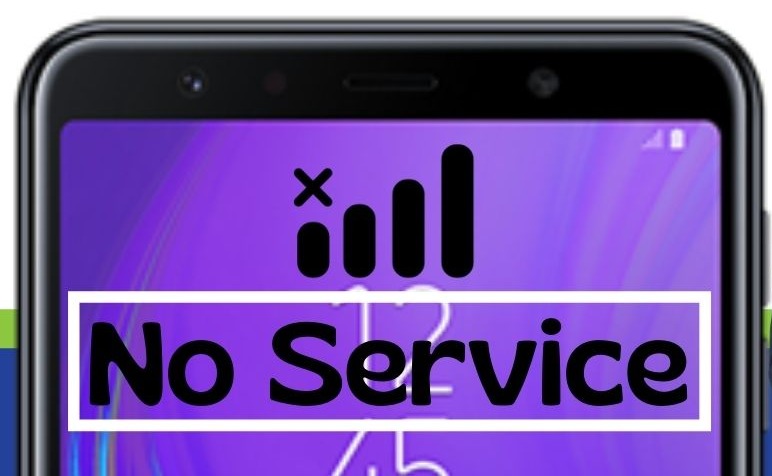
SAMSUNG NO SERVICE NETWORK
                                             SAMSUNG NO NETWORK


   1. Accidental Case/ Drop Down – If the phone is dropped  and signal line & supply line breaks then it might cause network issue.  To fix this  we have to use schematic  Samsung mobiles diagram to see all our missing components value and replace it with same value components to repair it. Schematic diagrams of Samung can be easily seen in Borneo Schematic.

   2. WATER DAMAGE –

When the handset is water affected the first thing we should do before cleaning is to check all the area on our motherboard which might be affected. Whether  there is any kind of sorting or not.  If there are sorting then clean the motherboard or replace all the damaged components. After water damage if cleaning done immediately would damage the mobile further.

      3. ONLINE UPDATE –

When our phone starts taking auto update and the download file path is corrupted. Then in this case Samsung mobile has to be flashed with Odin tool using 4 File. You must select the correct version binary file else after flashing mobile will not start. To prevent the network fault while updating make sure mobile has minimum of 20Gb of free spaces and battery must be fully charged


Filed Under: How To

Reader Interactions

Leave a Reply

You must be logged in to post a comment.

Primary Sidebar

Membership
Support

Advance Software & Hardware Training

Free demo classes

Recent Posts

  • Nothing Phone 1 Dead Boot Repair File
  • Moto G32 XT2235-2 Dump File
  • Vivo X200T 5G PD2458F Flash File (Stock ROM)
  • Vivo X200T 5G PD2458F Stock ROM
  • Vivo X300 Pro 5G PD2502F Flash File (Stock ROM)

RMM Other website & App

training.repairmymobile.co

RMM Android App

Join Telegram Group

Repair My Mobile

Our Services

Privacy Policy

Term & Condition

Contact us

About us

Sitemap

Join Our Community

Facebook Youtube Instagram Linkedin Twitter Whatsapp

Contact

[email protected]

+91-9060 2999 19

Mon-Sat:10:00am to 6.00pm

Official QR Code

Official Payment no.

Course: 8935939022

Call/WhatsApp: 91-893-593-9022

Paypal: [email protected]


Note: Repair My Mobile
Official Payment no.

Bakarganj, Patna, Bihar 800004

Payment Partner

Copyright © 2025 RMM. Designed by RMM All rights reserved.

    Join UFS Training: super advanced course


      UFI, Easy Jtag और हार्डवेयर: Advance Android Training


        Join L1 Software: ऑनलाइन ट्रेनिंग