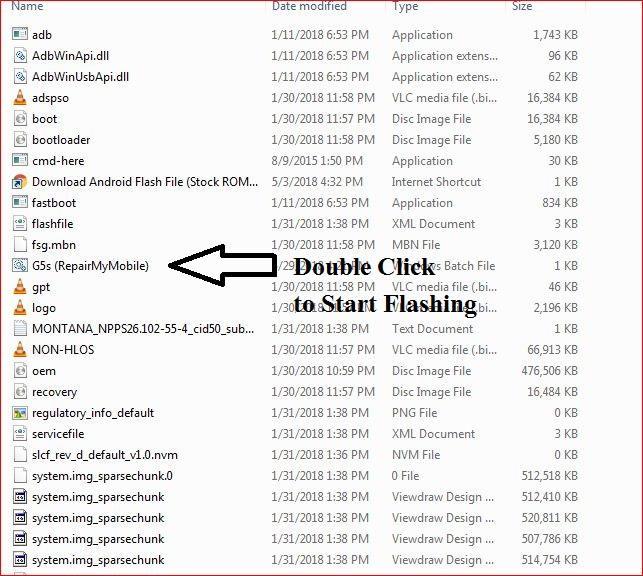
Download Moto X 2014 Flash File:
How to Flash Moto X 2014:
1- Download Moto X 2014 Flash File & Extract, Place Moto X 2014 Bat file in Firmware folder.
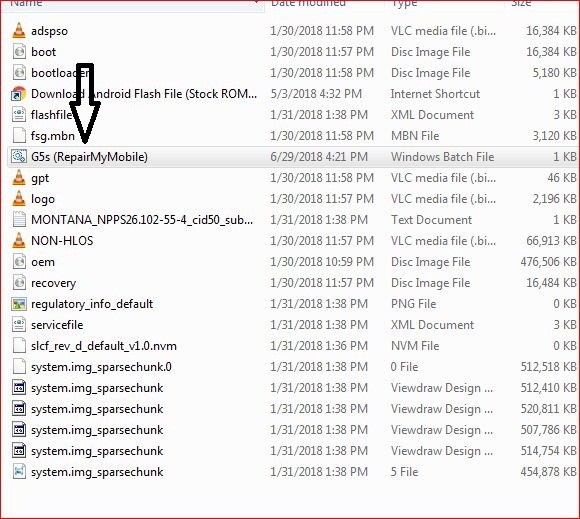
2- Install Moto Adb Tool.
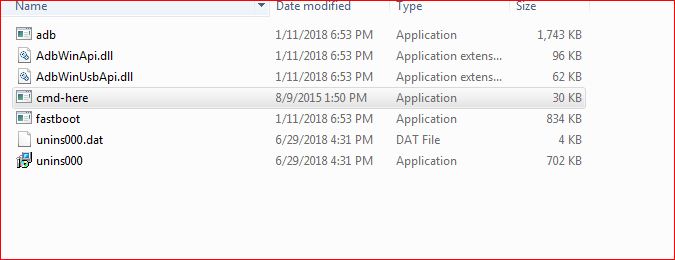
3- Now, Cut the file From Firmware Folder & Place it in Moto ADB Tool.
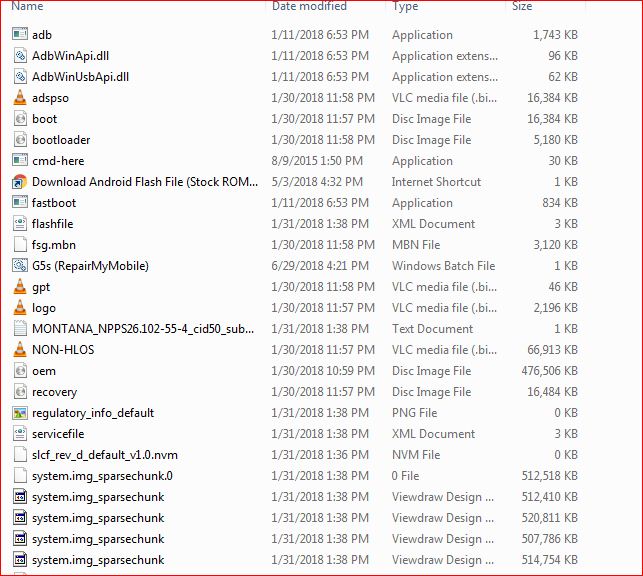
4- Switch off Phone & Hold Power + Volume Down. Then, connect phone to PC using USB cable, it will make Android Port in device manager.

5- Now, Double Click on Moto X 2014 RepairMyMobile bat file to start flashing.