Download Nothing Phone 1 Flash File:
- 20111V_O.S_3.2_ntpi_20250701_Flash_File_RMM
- 20111V_O.S_3.0_ntpi_20250409_Flash_File_RMM
- Nothing-Phone-1-20111V_OS_3.0_ntpi_20250303_Flash_File_RMM
- Nothing_Phone_1_Nothing_OS_3.0_20250108_Flash_File_RMM
- QCOM Driver
How to Flash Vivo Nothing Phone 1:
1- Download Nothing Phone 1 Flash file
2- Unzip File and Nothing Flash Tool
3- Install Qualcomm driver.
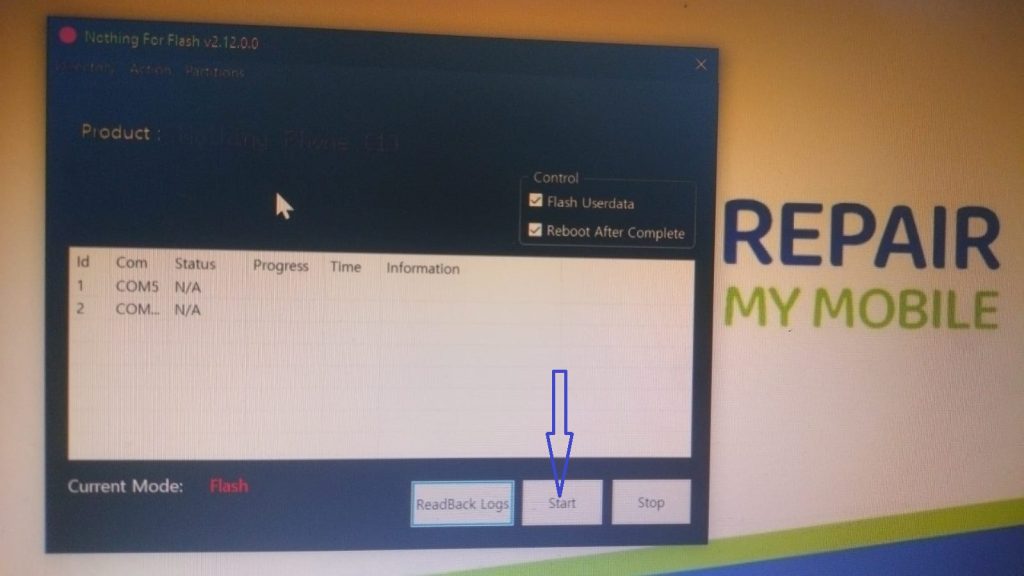
4- Run Nothing Flash Tool.
5- After launched flash tool, now click on Start Button.
6-Switch off your mobile and press Vol + & – or Vol UP + Vol Down key
7-After connected phone in system, you will get COM Port Qualcomm-HS-QSB-loader-9008.
8-This time flashing is going on, please wait until completed.