• Skip to primary navigation
  • Skip to main content
  • Skip to primary sidebar
RMM logo 2
Get All Flash File
Menu
  • Home
  • Training
    • Offline Training
      • Kolkata
      • Kolhapur
      • Patna
    • L1: Basic Software & Hardware
    • L2: Advanced Software & Hardware
    • L3: Super Advanced UFS
    • iPhone Training
  • Solution
    • Flash File
    • Flash Tool
    • Driver
    • Combination
    • FRP
    • Root
    • Hard Reset
    • Hardware
  • Premium Flash File
    • Premium Flash File
    • Fast Download Server
    • Android Dump Files
  • Log In
  • Home
  • Training
    • Offline Training
      • Kolkata
      • Kolhapur
      • Patna
    • L1: Basic Software & Hardware
    • L2: Advanced Software & Hardware
    • L3: Super Advanced UFS
    • iPhone Training
  • Solution
    • Flash File
    • Flash Tool
    • Driver
    • Combination
    • FRP
    • Root
    • Hard Reset
    • Hardware
  • Premium Flash File
    • Premium Flash File
    • Fast Download Server
    • Android Dump Files
  • Log In
You are here: Home / Archives for Android Flash File Database

Android Flash File Database

Poco M3 Flash File (Stock ROM)

December 3, 2020


This content is for Premium Files Membership Plan: 1 Month , Premium Files Membership Plan: 6 Month , Premium Files Membership Plan: 1 Year; Unlock Tool & FRP Training, and Fast Download Server: 1 Month members only.

Filed Under: Android Flash File Database, Fast Download Server

Redmi Note 9 4G Flash File (Stock ROM)

December 3, 2020


This content is for Premium Files Membership Plan: 1 Month , Premium Files Membership Plan: 6 Month , Premium Files Membership Plan: 1 Year; Unlock Tool & FRP Training, and Fast Download Server: 1 Month members only.

Filed Under: Android Flash File Database, Fast Download Server

Infinix X626 enter recovery mode on Startup

December 1, 2020

If your Infinix X626 enter recovery mode on Startup, it can be either due to Hardware or Software.

Software: Flashing is the Ultimate solution to any of the software issue within any phone.

We had earlier used CM2 Dongle to solve the issue.
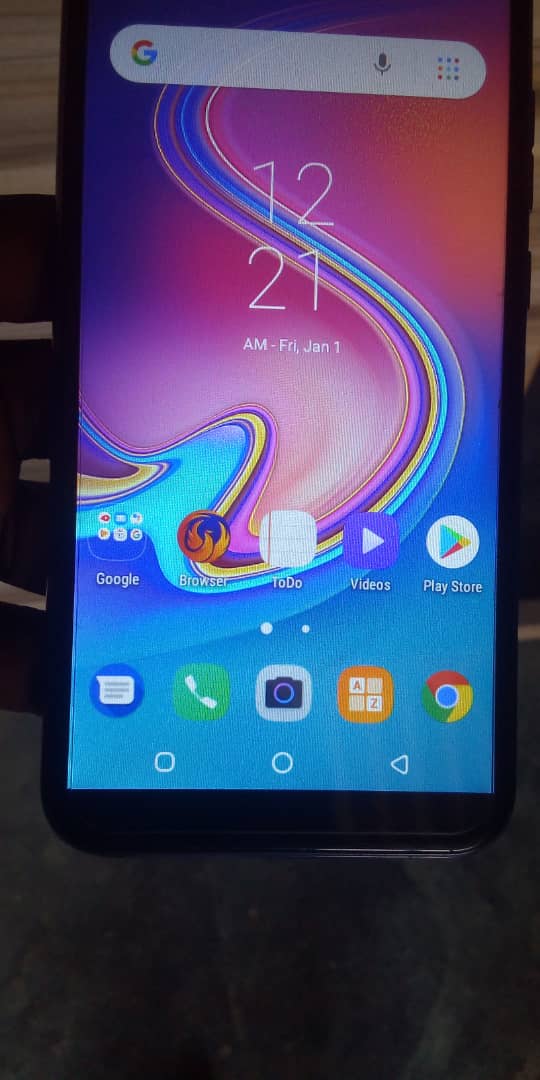
  • We had Format with CM2 and after that phone turn on the Normal Mode.

Hardware: check Volume UP & Down key or Power key. Most of the time, sorting in these keys lead phone to recovery on Startup.
Filed Under: Android Flash File Database

EMMC Repair Training using UFI/ Easy JTag: Africa

November 26, 2020

Error: Contact form not found.

What you will learn Post Training: 

  • UFI/Jtag Installation
  • ISP, ISP Voltage & ISP Details
  • Difference between EMMC & EMCP
  • Emmc Voltage
  • Clock speed
  • Baud rate
  • How to identify Emmc
  • How to read Emmc information
  • What is dump
  • How to Read dump
  • Read security backup
  • How to create userarea size
  • What is exclude user area
  • Custom area Boot size
  • RPMB size
  • How to fix boot area
  • What is Partition Confirmation
  • What is CID
  • What is CSD
  • How to check Emmc health report
  • What is Nand test
  • How to remove permanently write protected
  • 90 percent consume solution
  • How to unlock online model without credit
  • How to flash online model without authentication
  • Bad health solution
  • What is factory image
  • Download Firmware on UFI
  • USB flashing with UFI
  • ISP flashing with UFI
  • Create ISP in new model Error solution
  • OFP Extract

Hardware: 

  • All Components details
  • All IC and Section
  • Working of each IC
  • Charging, Mic, Network and Speaker
  • Schematic reading
  • How to connect ISP
  • Reballing , Broken balls fix & Pasted IC
  • Fix CPU and EMMC

Training Batches: 

  • UFI Training 
  • Easy Jtag Plus 
Timing:
  • Flexible for Students Enrolling from Other than India

Video link of Training will be shared at the end of the training.

Date:
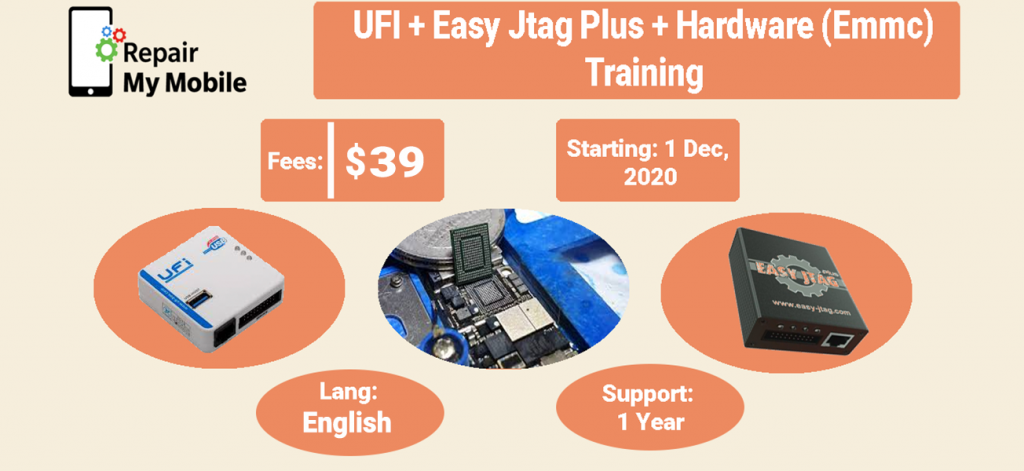
Upcoming Batch: Starts from 1 Dec, 2020. (Though Zoom )

  • Duration: 11 Days (1 Hour Daily)
  • Original Price: $ 39

Doubt Clearing Classes: Daily 1 Hour

Support: Free After Training (1 Year)

Demo Class:

The only method to repair a Dead phone and bring back to life is through EMMC Repairing or Reballing.

We use Easy Jtag Plus box or UFI to boot repair dead phone which has gone dead through Flashing.

Bricked phone can also be repaired through Boot Repair Boxes.

Error: Contact form not found.

Filed Under: Android Flash File Database

Samsung SM-J610G (U4) Pattern Unlock without Data Loss

November 23, 2020

Download Samsung SM-J610G Pattern Unlock without Data Loss:

  • J610GUBU4BTD2  (Works Only on Binary 4)
  • Odin tool
  • Samsung Kies

How to Flash Samsung SM-J610G:

Make sure your device is atleast 30 percent charged to perform flashing.

  • Install Samsung kies to make connectivity between Phone & Odin flash tool.
  • Switch off the mobile.
  • Press the Power + volume down + home button.
  • Android symbol will appear, now press volume up to enter into the download mode.
  • Unzip the SM-J610G file.
  • Now open the Odin flash tool.
  • Select flash file in PDA or AP.
  • After selection mobile will get detected automatically and will display a message Added.
  • Now click start on system & installation is in process.
  • After installation mobile restart of its own.

Filed Under: Android Flash File Database

Lenovo K10 XT2025-3 Flash File (Stock ROM)

November 19, 2020

Download Lenovo K10 XT2025-3 Flash File:

  • (XT2025-3-DS)+(PAGX0006SG)
  • SP Flash Tool
  • MTK Driver

***Try Firmware Upgrade or Untick Preloader Then Flash

How to Flash Lenovo K10 XT2025-3:

Install MTK Driver.
1- Download the package & Extract SP Flash tool.
2- Out of the icon appearing, Double click on Flash_tool.exe
3- it will launch the tool on your PC, Click on Scatter-Loading appearing on the Right side of the tool.
4- Now, assign the firmware which will be in form “Android_scatter.txt”.
5- Click on Download to start flashing.
6- Switch off your Mobile and Connect it to PC by pressing Volume down or Volume up key.
7- It will lead you to Successful Flashing

Filed Under: Android Flash File Database

  • « Go to Previous Page
  • Page 1
  • Interim pages omitted …
  • Page 268
  • Page 269
  • Page 270
  • Page 271
  • Page 272
  • Interim pages omitted …
  • Page 584
  • Go to Next Page »

Primary Sidebar

Join Free Demo Classes!!!

Free demo classes
demo group

Recent Posts

  • Realme GT Master Edition RMX3360 Dump File
  • Redmi Note 9 Pro Max Eng File
  • Vivo Y28s PD2357F Dump File
  • Vivo Y38 5G PD2354F Dump File
  • Vivo Y29s 5G PD2443F Dump File

RMM Other website & App

training.repairmymobile.co

RMM Android App

Join Telegram Group

Repair My Mobile

Our Services

Privacy Policy

Term & Condition

Contact us

About us

Sitemap

Join Our Community

Facebook Youtube Instagram Linkedin Twitter Whatsapp

Contact

sidhartha@repairmymobile.co

+91-9060 2999 19

Mon-Sat:10:00am to 6.00pm

Official QR Code

Official Payment no.

Course: 8935939022

Call/WhatsApp: 91-893-593-9022

Paypal: vijaytech89@gmail.com


Note: Repair My Mobile
Official Payment no.

Bakarganj, Patna, Bihar 800004

Payment Partner

Copyright © 2025 RMM. Designed by RMM All rights reserved.

Click to Chat