
Download Karbonn K102 M02 Flash File:
- Karbonn_K102_M02_5155V06_QCIF_DUAL_176X220_12832_V02_120225_0924_RMM
- Karbonn_K102_M02_5155V06_QCIF_DUAL_176X220_6432_V02_110830_1656_RMM
- Flashing Tool: Download | Mirror
- Driver
How to Flash Karbonn K102 M02:
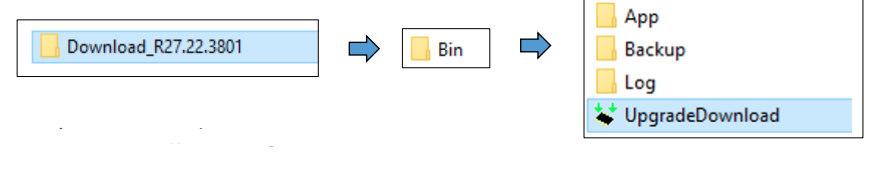
- Download and unzip File and Flashing tool.
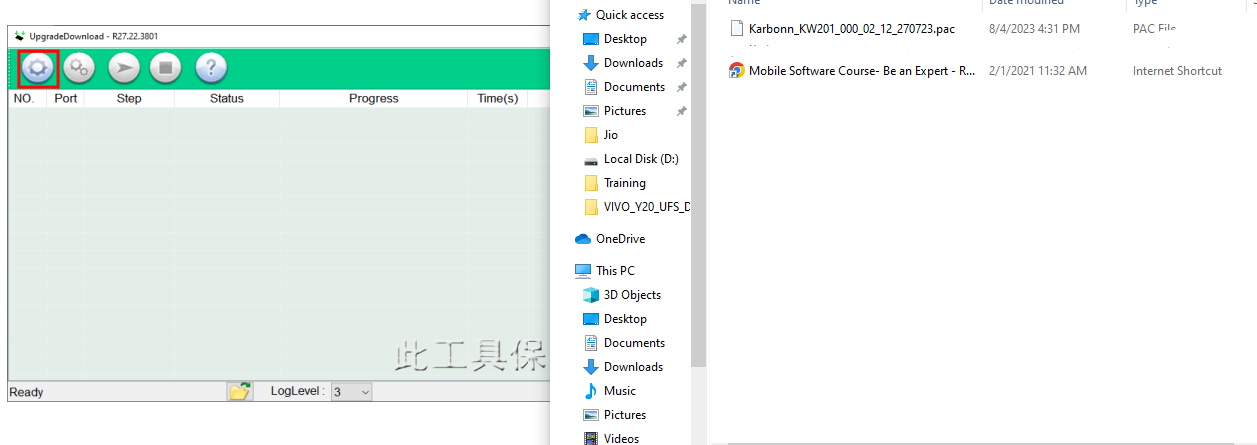
- Open Software Download Tool and load the packet (.pac) file from flash file.

- Select packet file from flash file

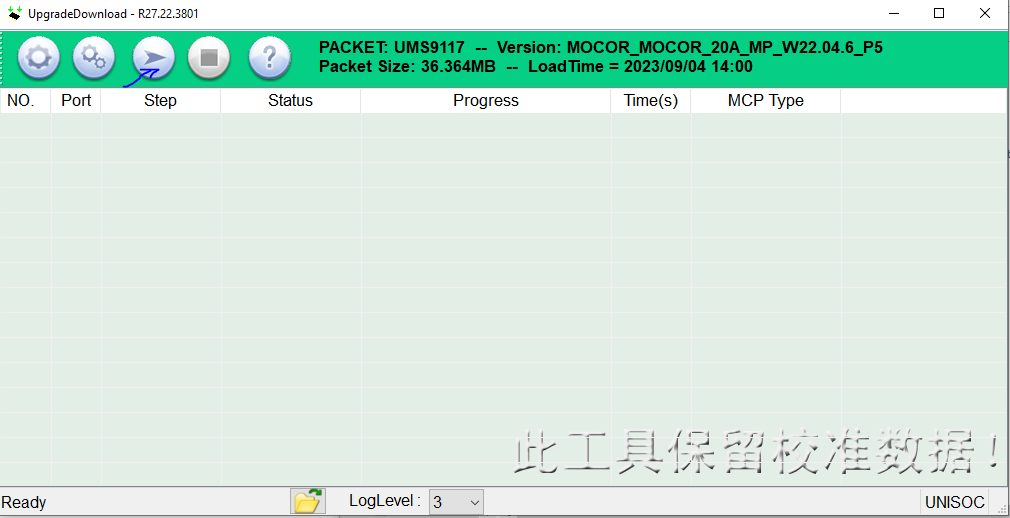
- When packet file successfully load on the tool, then click Start downloading button on tool.

- Now switched off your phone and press * key then connect usb cable to the phone and PC.
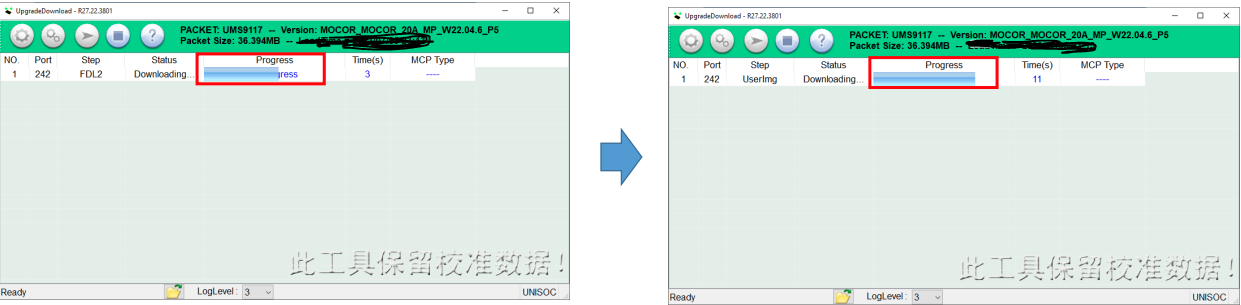
- On Successful connection the tool will show “Progress“.

- The tool will show progress during the software upgrade process.
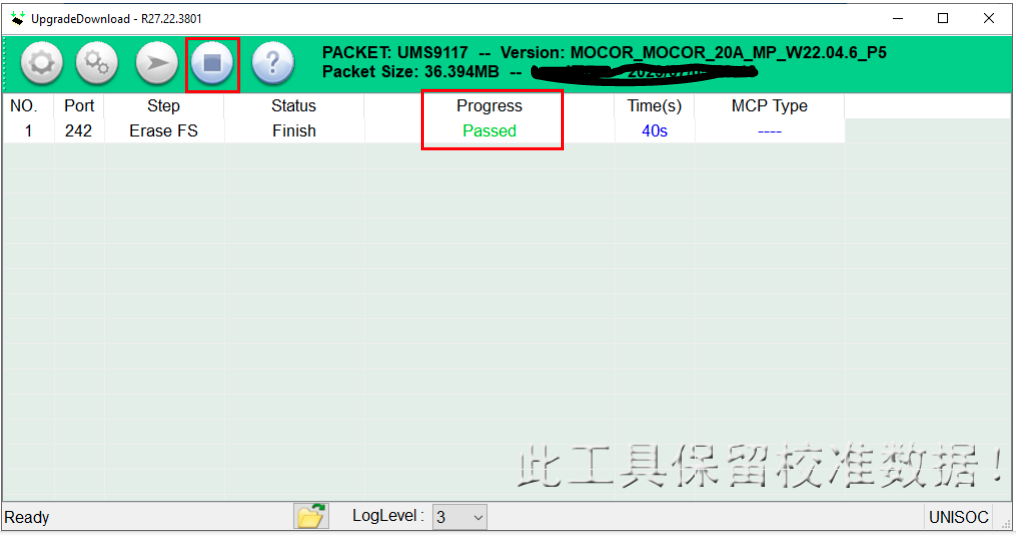
- On Successful completion of the software upgrade, Passed message will be displayed in the tool.
- Click on stop downloading icon and disconnect the phone.


Leave a Reply
You must be logged in to post a comment.